Learner view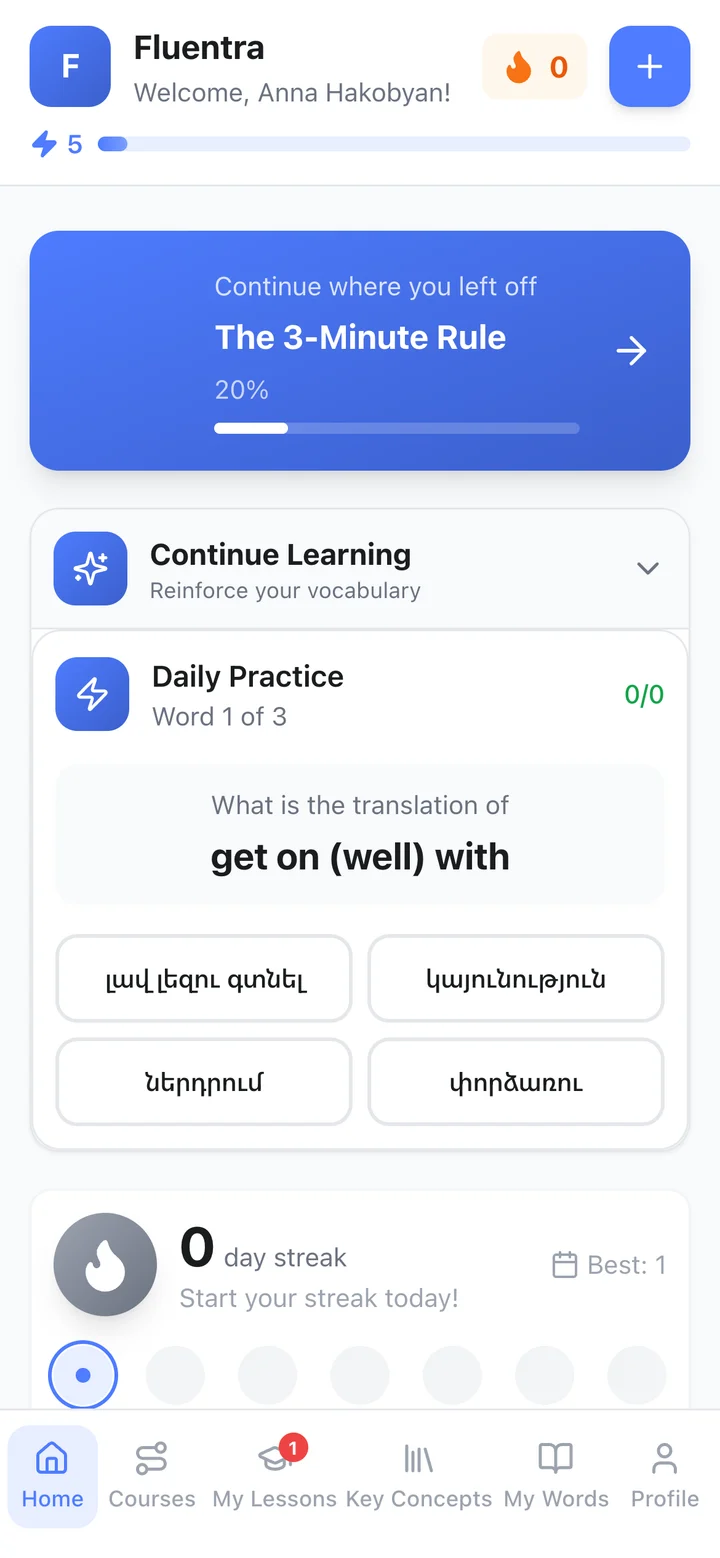
Daily practice
A quick quiz on the words you've saved, in your own language — a few minutes a day to keep them fresh.
An English learning and teaching platform for learners and tutors.
Learners get structured lessons, practice and their own word list. Tutors get one workspace for lessons, homework and students.
Everything a learner uses in Fluentra — on a phone or a computer, at your own pace.
Every course lesson goes from new words to a real-life task. Click a step to look inside.
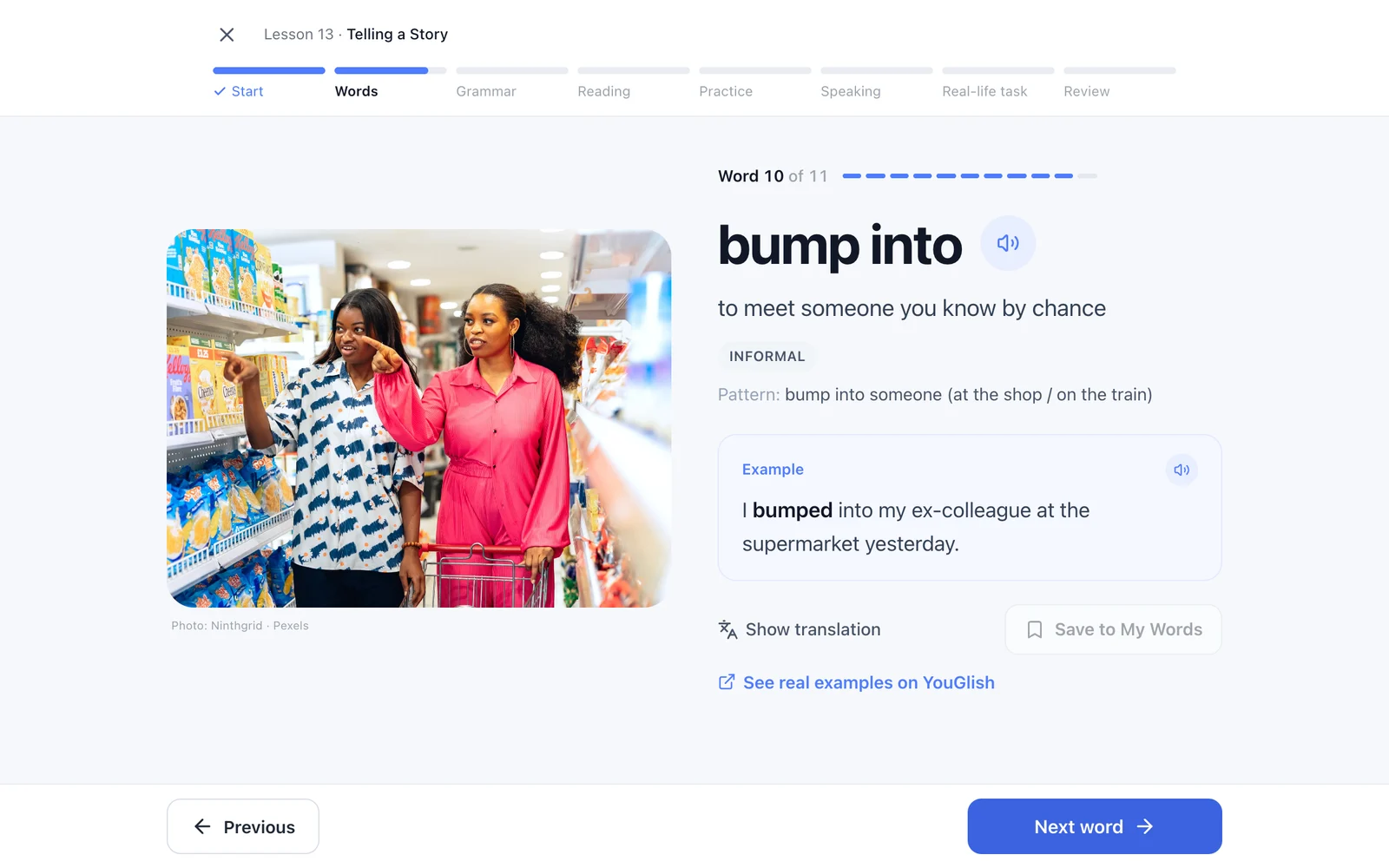
Step 1 of 7 · Words & phrasesClear meanings, real examples and audio for every phrase — save anything to My Words.
A quick quiz on the words you've saved, in your own language — a few minutes a day to keep them fresh.
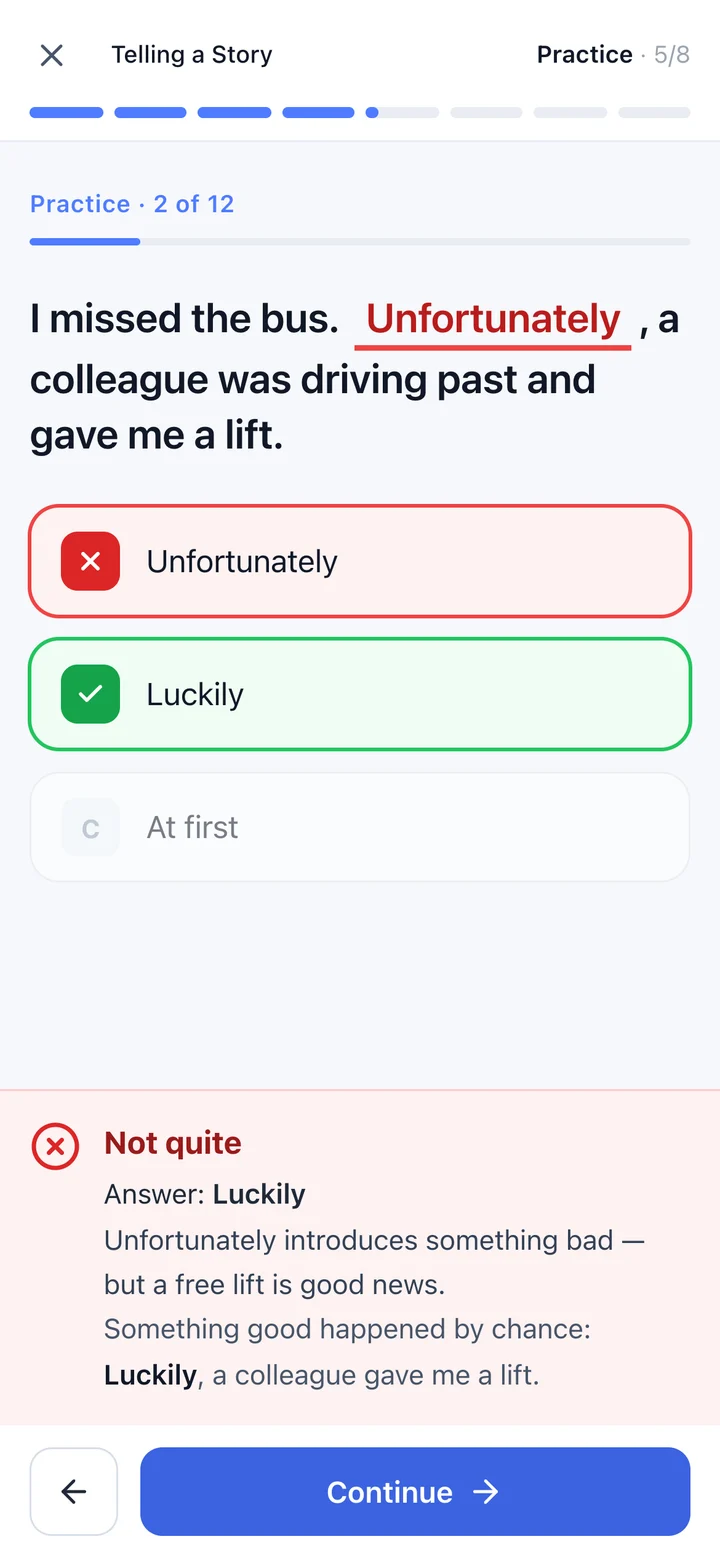
Every answer gets feedback for the option you chose. Gap-fills give a hint first, and anything you miss comes back at the end.
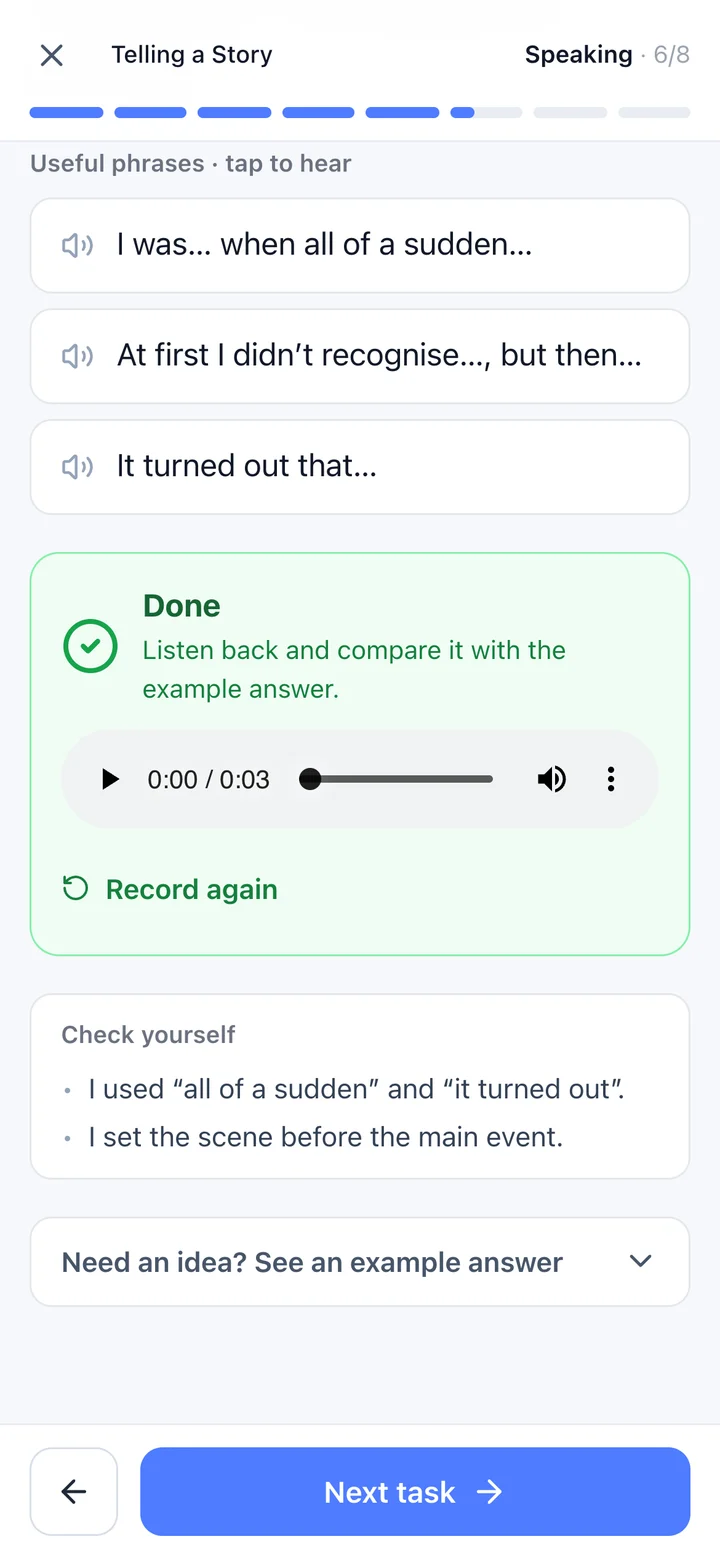
Record your answer, play it back and compare it with an example. Record again as often as you like — it stays on your device.
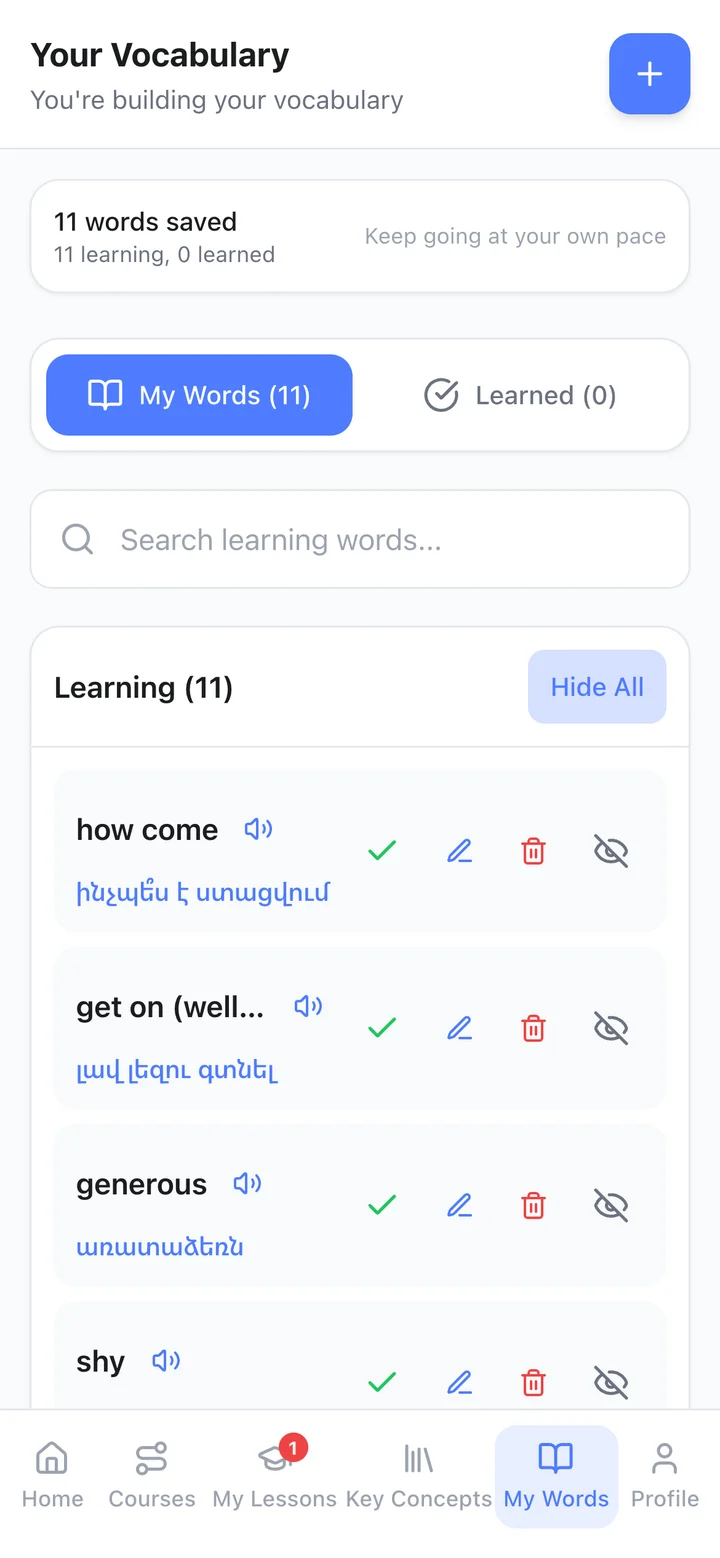
Save words from any lesson to My Words. Listen again, show or hide the translation, and mark words as learned.
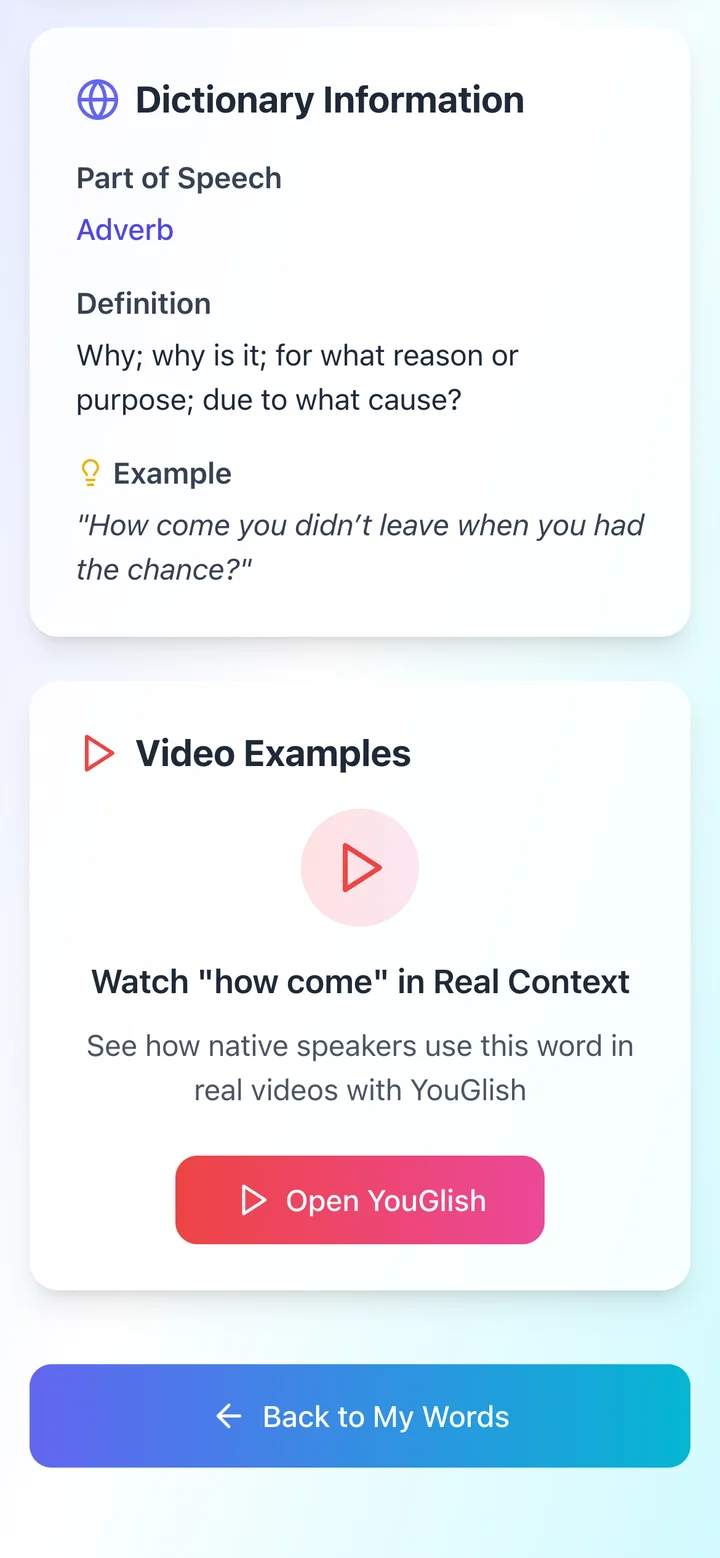
Each word has a definition, an example and a link to real people saying it in videos on YouGlish.
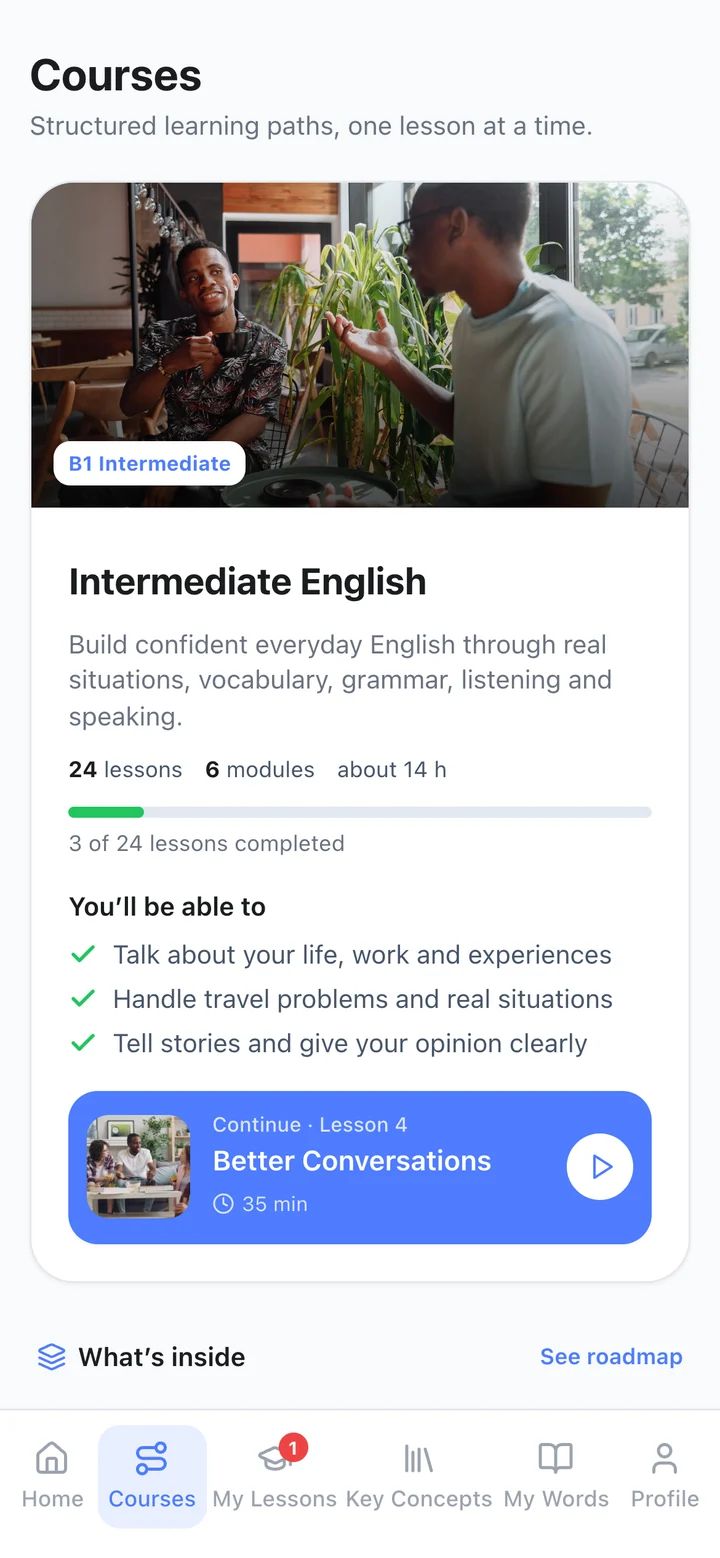
Your course remembers where you are: see your progress and jump into the next lesson in one tap.
That's the learner experience. Next: the tutor workspace.
Everything a tutor uses in Fluentra to plan, teach and follow up — in one place.
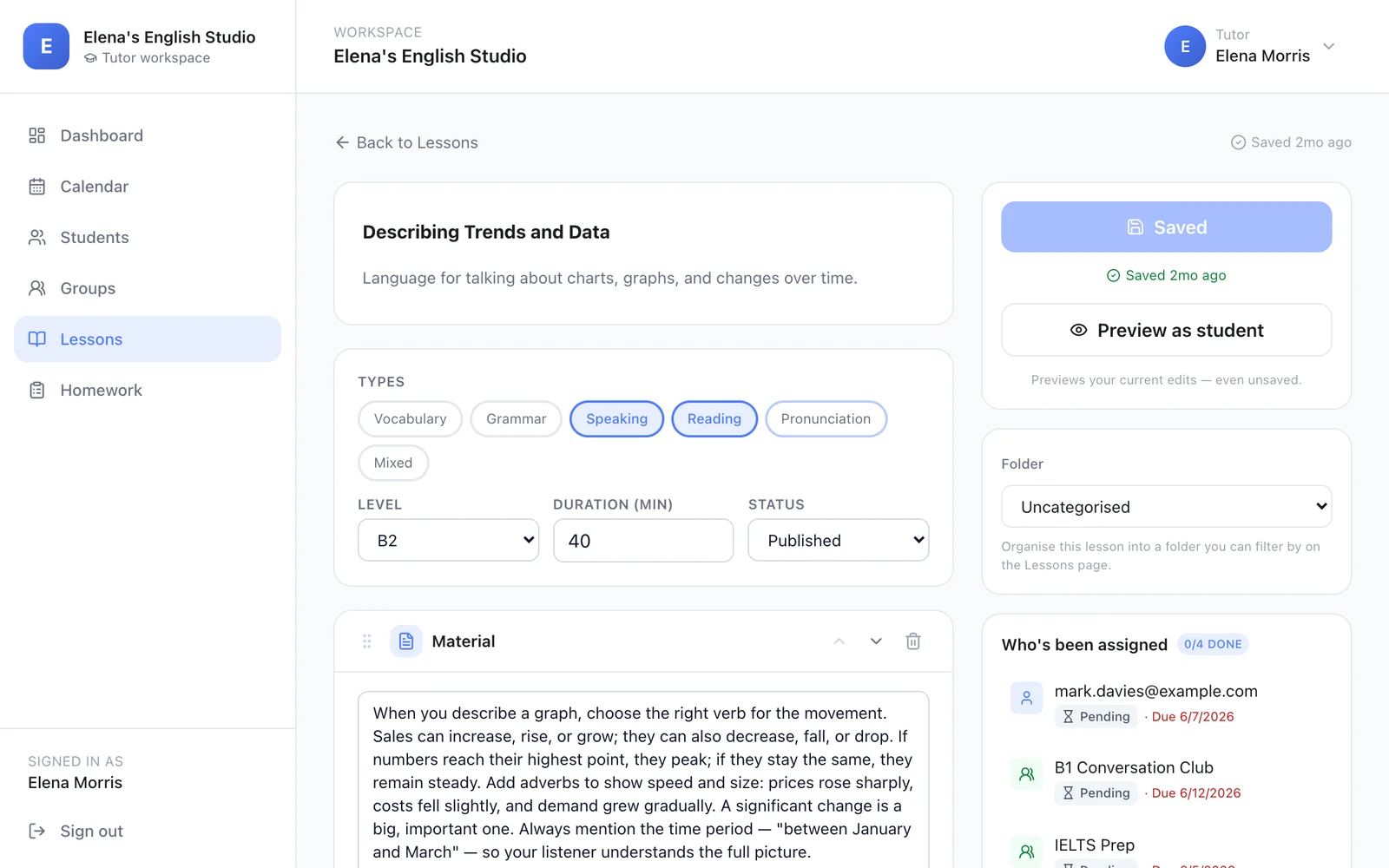
Build a lesson from sections: reading material, vocabulary that translates automatically, multiple choice, gap-fills, true/false, matching, video and PDFs. Preview it as a student, then assign it.
That's the tutor experience. Next: how tutors and learners work together.
Tutors manage their learners in Fluentra. Learners can also use Fluentra's structured courses for self-study.
Learners can follow Fluentra's structured courses at their own pace — lesson by lesson, with practice, speaking and review — and keep building their own word list.
See the courses ↓Three structured self-study courses. Each has 24 lessons in 6 modules, with clear goals and a roadmap.
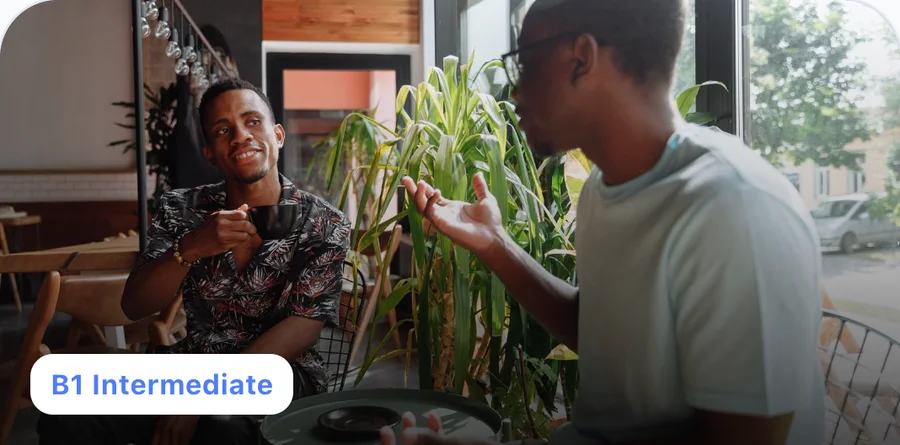
Build confident everyday English through real situations, vocabulary, grammar, listening and speaking.
Available with course access
Use English independently at work and in life: negotiate, persuade, handle problems and follow real conversations without a script.
Available with course access
Say exactly what you mean, read between the lines and handle complex professional and social situations with nuance and control.
Available with course accessAll three courses are available with course access. Creating a Fluentra account is free.
For people learning English, and for English tutors. Learners take structured courses, practise and build their own word list — on their own, or with a tutor if they have one. Tutors build lessons, set homework and manage their students, groups and calendar.
Creating an account is free. The B1, B2 and C1 courses are available with course access.
No. Fluentra is built for learning on your own: structured courses, daily practice, speaking and your own word list. If you also work with a tutor, the lessons they assign appear in My Lessons.
Create an account and choose “I want to teach”. Set up your teaching profile, then invite your students with your link.
Yes. In the lesson builder you add your own texts, vocabulary and exercises, and you can attach videos and PDFs.
No. Fluentra works in your browser on your phone, tablet or computer.
In every course lesson you record your answer, play it back and compare it with an example answer. Your recording stays on your device — it isn't uploaded.
Three courses: Intermediate English (B1), Upper-Intermediate English (B2) and Advanced English (C1), each with 24 lessons.
Create your free Fluentra account in under a minute.